

Download YYCamPro – live streaming, video editing, real-time effects, broadcast tools, content creation
Overview
YYCamPro is a professional live streaming companion designed to empower content creators with advanced tools for real-time visual and audio enhancement. Built on a foundation that spans over a decade, the app has evolved into a trusted solution for streamers across the globe, supporting both amateur and professional broadcasting needs. Its core purpose lies in elevating the quality and engagement of live streams through a suite of intuitive features tailored to modern digital creators. The app addresses common challenges such as inconsistent lighting, unpolished appearance, and monotonous stream visuals, offering real-time adjustments that enhance on-screen presence without requiring external equipment or complex post-production.
Target users include social media influencers, gamers, educators, and live event hosts who rely on high-quality visuals to maintain audience attention. The app’s focus on real-time effects and customizable templates makes it particularly valuable for creators who need to deliver polished broadcasts quickly and efficiently. In the broader app ecosystem, YYCamPro fills a critical niche by bridging the gap between entry-level streaming tools and professional-grade production software, offering a mobile-first solution that doesn’t compromise on functionality. The developer, YYCamPro, has positioned the app as a go-to utility for streamers seeking a streamlined, all-in-one platform for content creation.
Key Features & Functionality
- Picture Adjustment: Users can fine-tune brightness, contrast, and saturation in real time, ensuring optimal visual clarity regardless of lighting conditions. This feature is especially useful during evening streams or in low-light environments where image quality often degrades.
- Portrait Beautification: Real-time skin smoothing, blemish reduction, and subtle makeup enhancements allow streamers to present a polished appearance without the need for professional makeup or lighting setups.
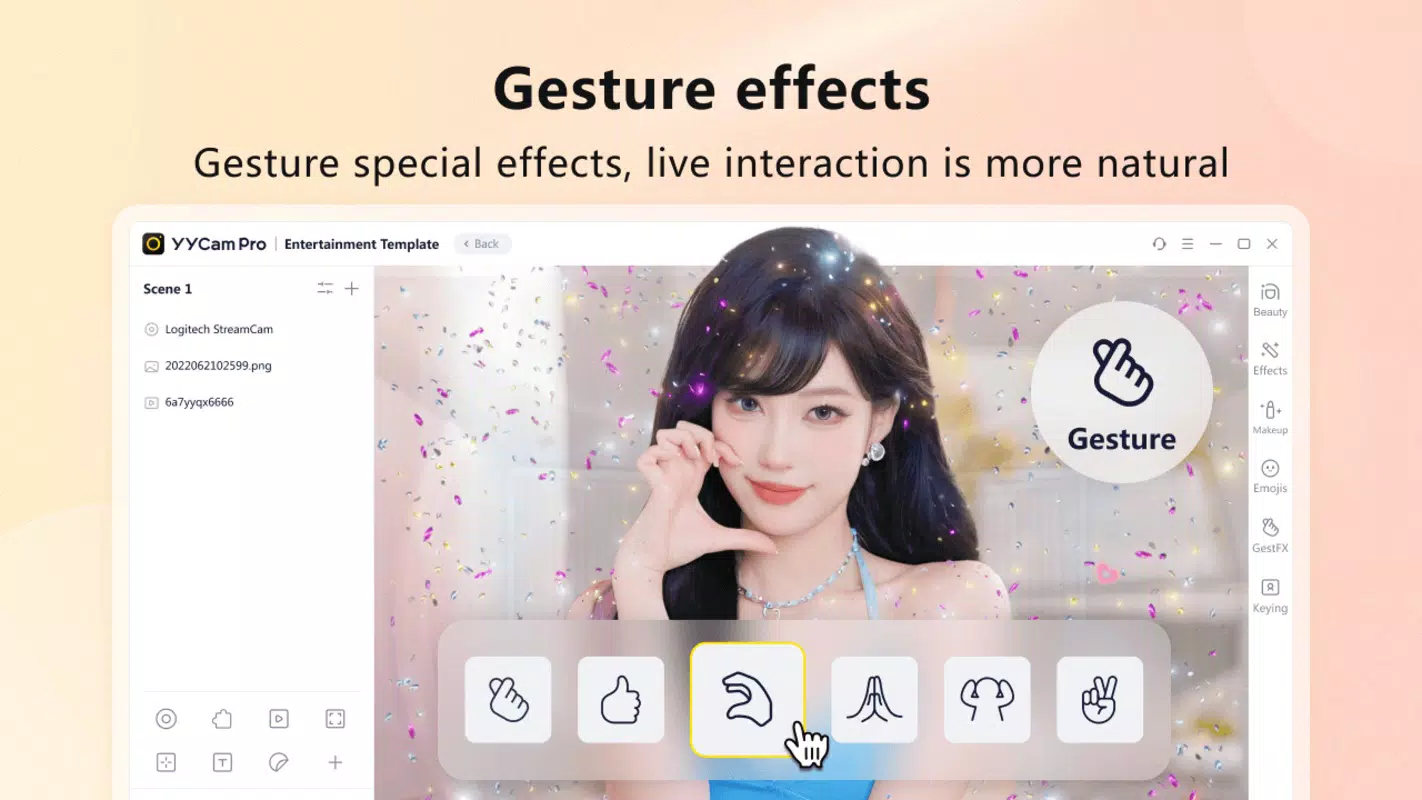
- Audio and Video Effects: A library of dynamic transitions, filters, and sound effects can be applied on the fly, enabling creators to add entertainment value and creative flair to their broadcasts.
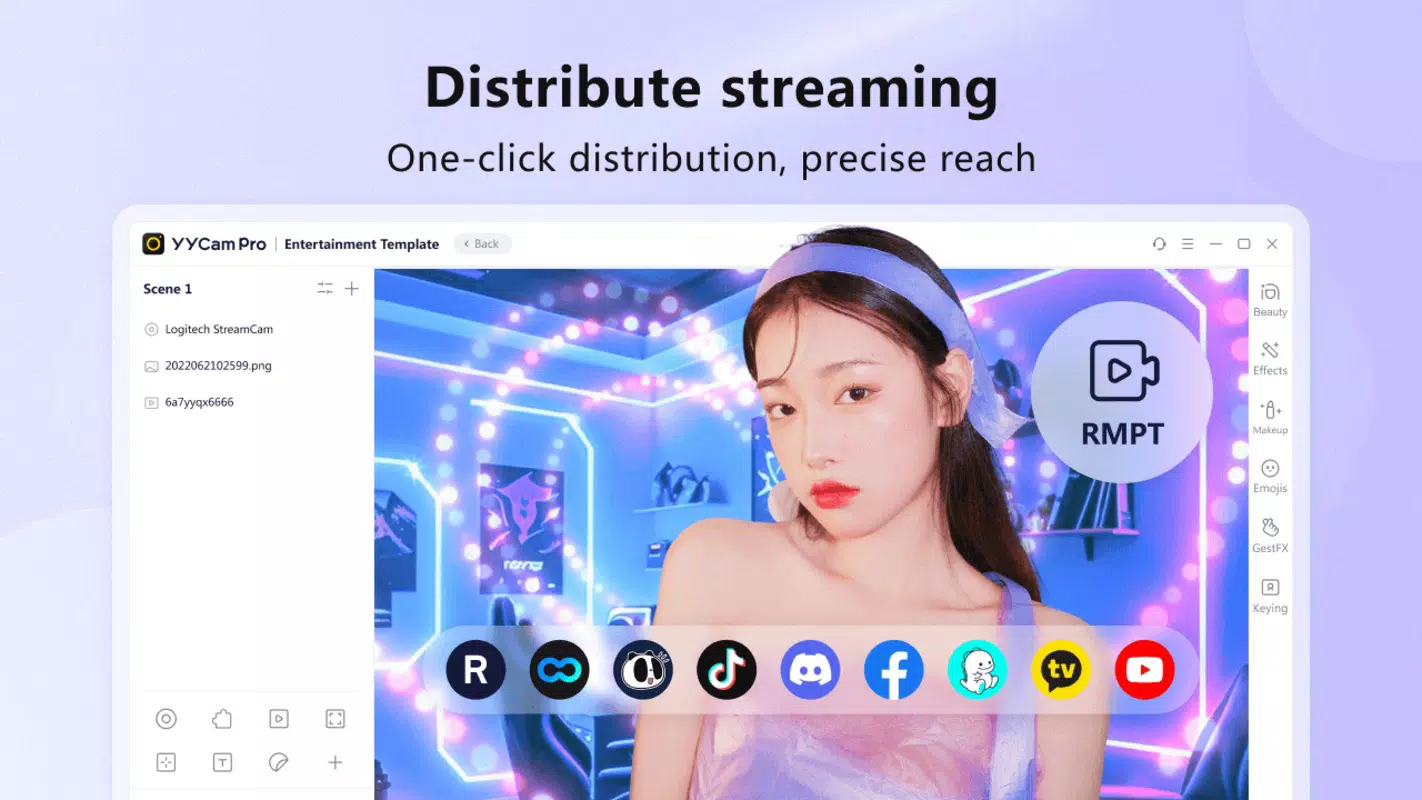
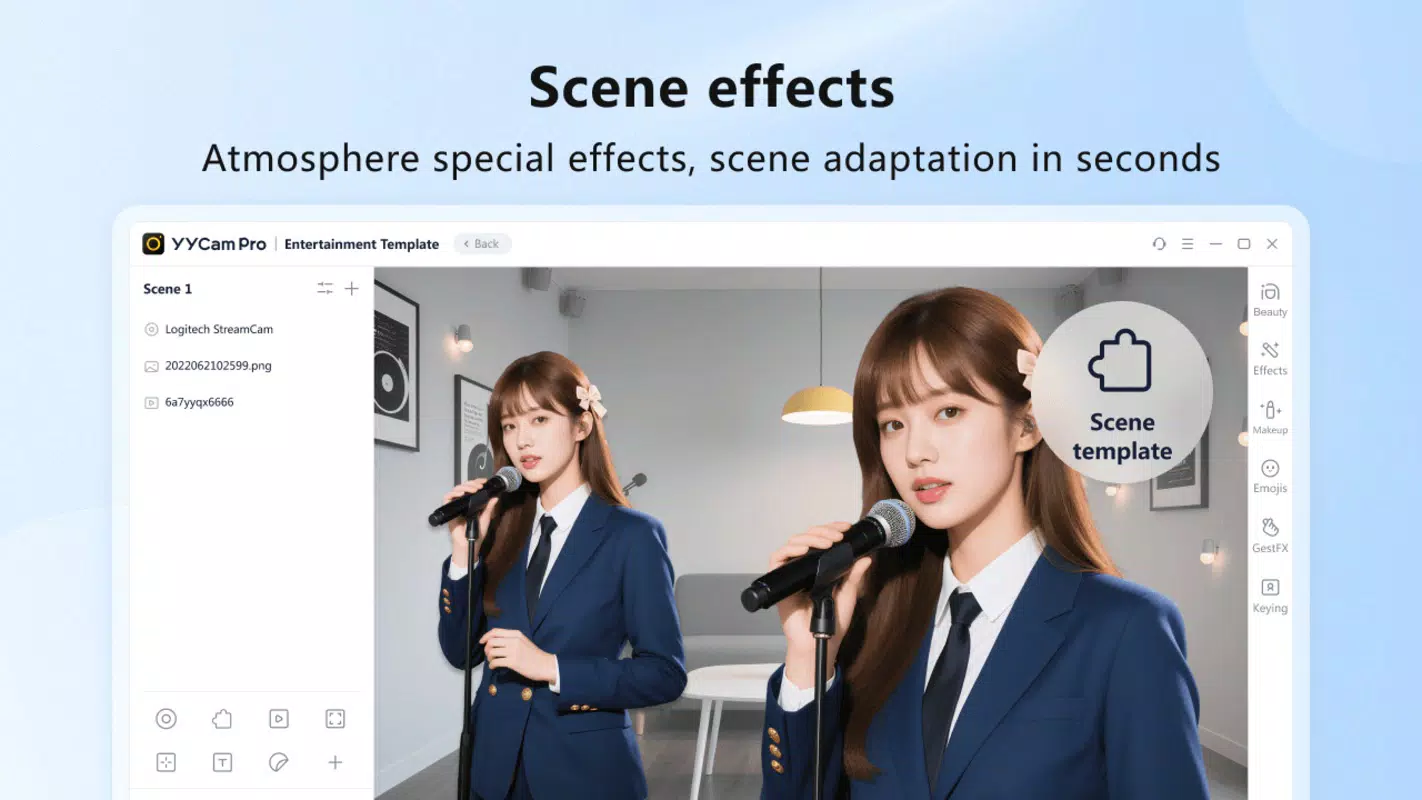
- Live Streaming Templates: Pre-designed templates for different streaming scenarios—such as gaming, interviews, or product launches—allow users to set up professional-looking streams in seconds, promoting visual consistency and brand identity.
For example, a lifestyle content creator can use a pre-configured template with branded overlays and apply portrait beautification to maintain a consistent on-screen image across multiple episodes. Similarly, a gamer might use real-time filters and audio effects to enhance the atmosphere during a live tournament stream, increasing viewer engagement. These features collectively reduce the technical burden on creators, allowing them to focus on content delivery rather than production logistics.
Interface, UX & Performance
The interface of YYCamPro is designed with functionality and accessibility in mind, featuring a clean layout that organizes key tools within easy reach. Navigation is intuitive, with main controls grouped by category—visuals, audio, templates—allowing users to switch between functions seamlessly during a live broadcast. The visual style emphasizes minimalism, reducing on-screen clutter while ensuring essential settings remain visible and adjustable in real time.
Users can expect responsive performance across a range of Android devices, though specific performance benchmarks were not disclosed by the developer. Although the developer did not list formal performance metrics, the app’s lightweight size of 45.2 MB suggests optimized resource usage, which may contribute to stable operation on mid-tier and high-end smartphones. Stability during extended streaming sessions appears to be a priority, with no reported issues related to crashes or lag in available documentation. The app maintains smooth responsiveness even when multiple effects are applied simultaneously, supporting uninterrupted live broadcasts.
Platform Compatibility & Technical Requirements
YYCamPro is available exclusively on the Android platform, making it accessible to a broad base of mobile users. The current version is 2.1.5, released on August 5, 2025. The app has a file size of 45.2 MB, which is relatively compact for a feature-rich streaming tool. This size indicates efficient code structure and minimal bloat, contributing to faster downloads and lower storage usage.
The developer did not specify minimum OS requirements or device compatibility details. As such, users are advised to ensure their Android device meets standard system requirements for running modern applications. Compatibility information was not fully disclosed, so installation may vary depending on device configuration and Android version. The app is currently free to download and use, with no in-app purchases or subscription fees mentioned in the available data.
Pros and Cons
Pros
- Real-time visual and audio enhancement tools for high-quality live streams
- Comprehensive suite of customizable templates for rapid setup
- Lightweight file size (45.2 MB) for efficient storage and fast installation
- Free to download and use with no visible in-app purchases
- Intuitive interface designed for both novice and experienced streamers
Cons
- Platform availability limited to Android; no iOS version currently available
- Specific system requirements were not listed by the developer
- Compatibility with older Android versions remains unclear
- No information provided about update frequency or long-term support
- Limited third-party integration options were not mentioned
FAQ
Is YYCamPro safe to download and use?
Yes, YYCamPro is a free mobile app available through official Android channels. The developer has not reported any security vulnerabilities, and the app’s file size and structure suggest a secure, lightweight design.
Can I use YYCamPro for gaming streams?
Yes, the app supports real-time effects, filters, and customizable templates, making it suitable for gaming streams that require visual enhancement and audience engagement.
Does YYCamPro require an internet connection?
Yes, live streaming functionality requires a stable internet connection. The app may also need online access for template updates or cloud-based features, though specific details were not provided.
Is there a version of YYCamPro for iOS?
The developer has not released an iOS version. The app is currently available only on Android.
How often is YYCamPro updated?
While the latest version is 2.1.5, released on August 5, 2025, the developer did not disclose a regular update schedule. Users should check the app store for the latest release.
Final Thoughts
YYCamPro stands out as a powerful, mobile-first solution for streamers seeking to elevate their live broadcasts with minimal technical overhead. Its blend of real-time effects, portrait beautification, and customizable templates makes it an ideal tool for creators across various niches—from gaming and education to lifestyle and entertainment. The app’s lightweight design and free access further enhance its appeal, offering professional-grade features without cost or complexity.
While platform exclusivity to Android and limited compatibility details may restrict some users, those on supported devices will find YYCamPro to be a reliable and efficient broadcast companion. For content creators who value visual polish and audience engagement, this app delivers tangible value with every stream.
Download YYCamPro now


